Passport
A digital passport for your assets
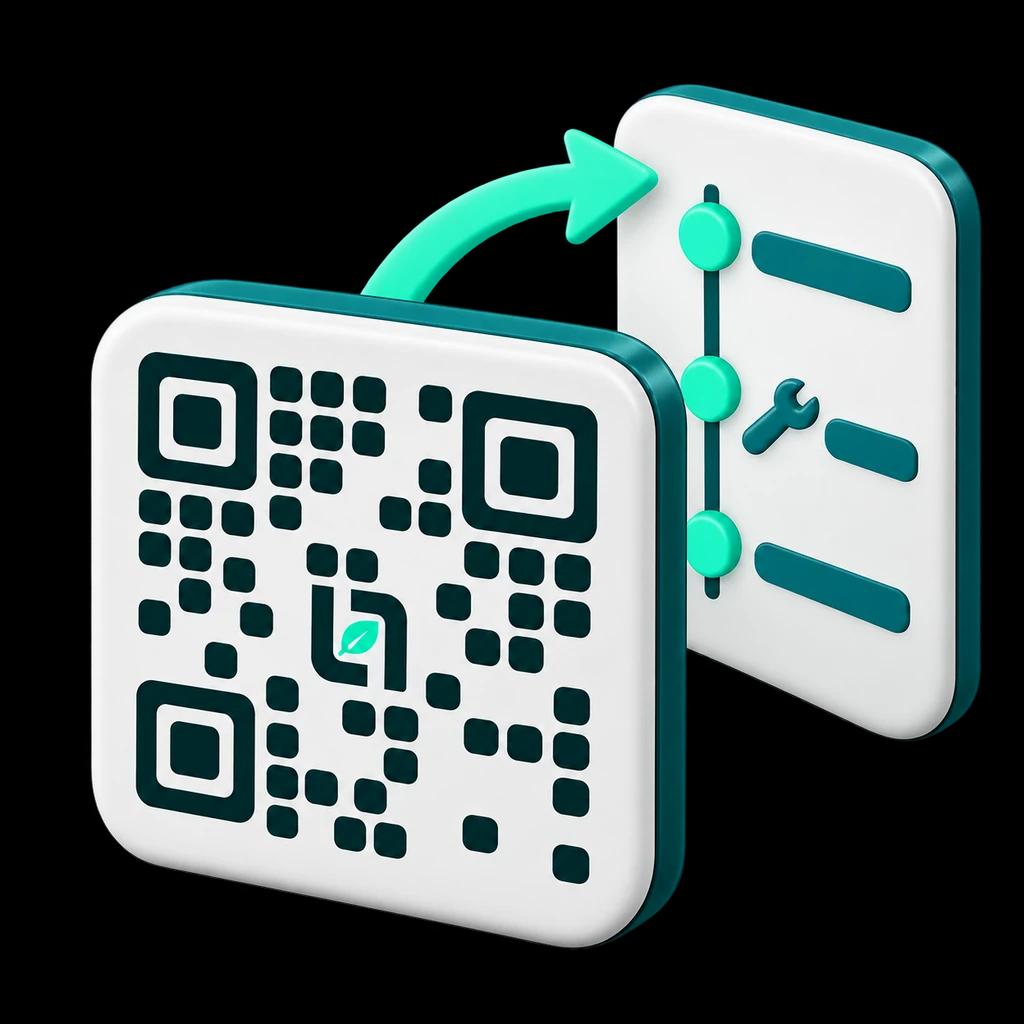
Keep asset details, condition, repair records and other activity together in one digital passport. Scan its QR sticker to open the record.
Add your item Get its passport
Start with a few details about your item. Add any codes or repair records you have, then print its QR sticker. Its details are now easy to find in one place.
Step 1 of 5
Office laptop · 14-inch
Add your item
- Name
- Type
- Condition
- Location
A walkthrough using sample details.
Know the asset See what happened
Keep its details, condition and location together. Add dated entries when it moves, is rented, repaired or passed on.
Office laptop · 14-inch
- IT equipment
- Good
- Office storage
- 1 unit
- Not recorded
- Not recorded
Repaired
Returned
Rented
Created
Scan the code Open the passport
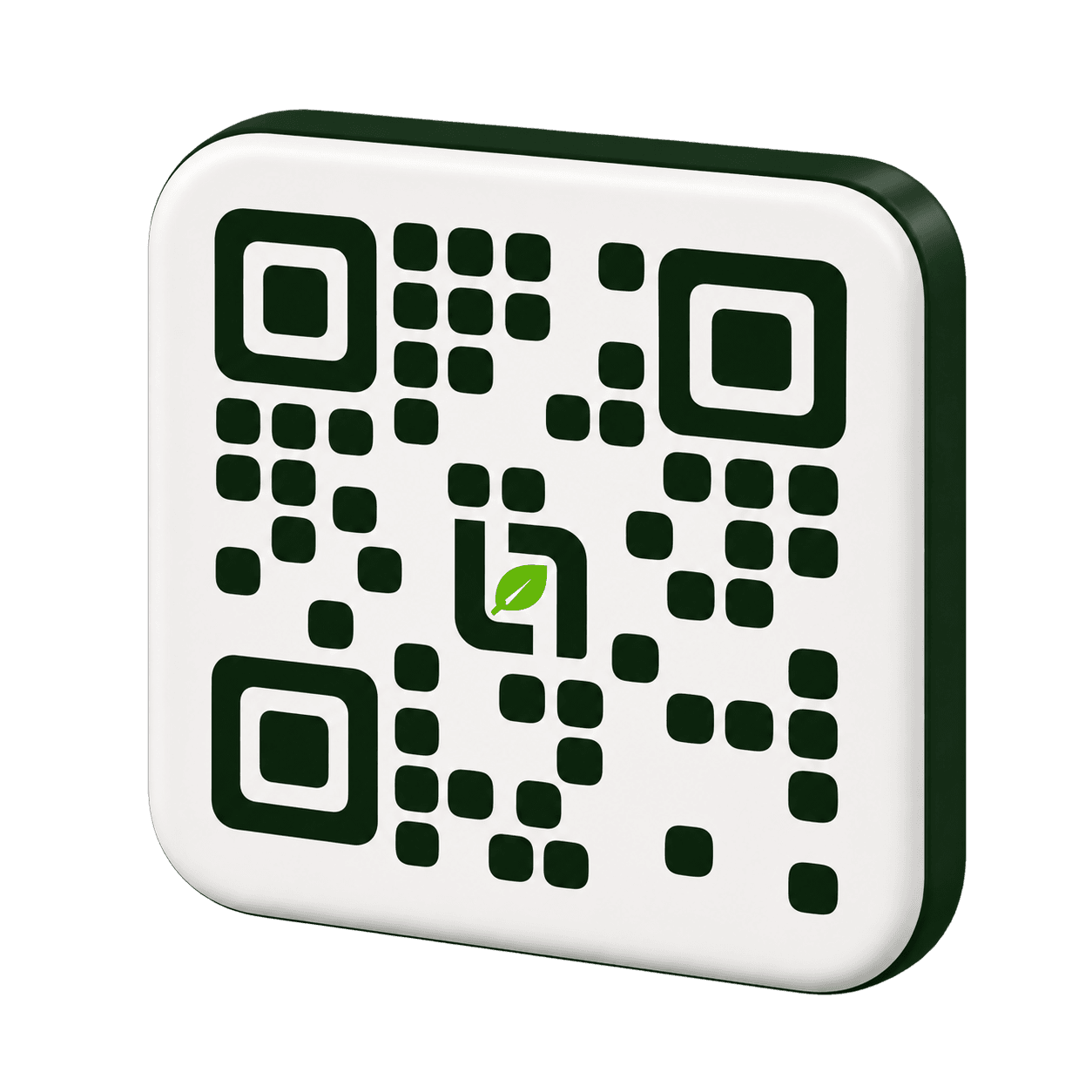
Scan the QR sticker to open the passport link. Saved barcodes, serial numbers or tags can also help you find the asset in LoopLux.
Useful details Better next steps
Save the repair and parts information you know. Update the record as the asset is used, repaired or passed on.
Materials and weight
Record the material and weight when they are known.
Repair guide and spare parts
Save a repair-manual link and note whether spare parts are available.
Recorded activity
In your organisation’s view, log a dated event with a note and the condition afterwards.
Set a best-before date, and we’ll remind you in time
Give an asset an expiry or use-by date and choose when to hear about it. LoopLux prompts you ahead of time, so you can reuse, repair, donate or resell it while it still has value, instead of writing it off.
When a reminder fires, the asset’s passport is one tap away, with its condition and next-step options ready.
30 Jun 2027
- 1 month before
- 7 days before
- 01
- 02
- 03
Start with the assets you already manage
See how Passport keeps your organisation’s asset details and recorded activity together.