New item
How it works
Add what your organisation owns. Choose repair, rental, resale, donation or recycling, connect with people or nearby services, and keep its recorded history.
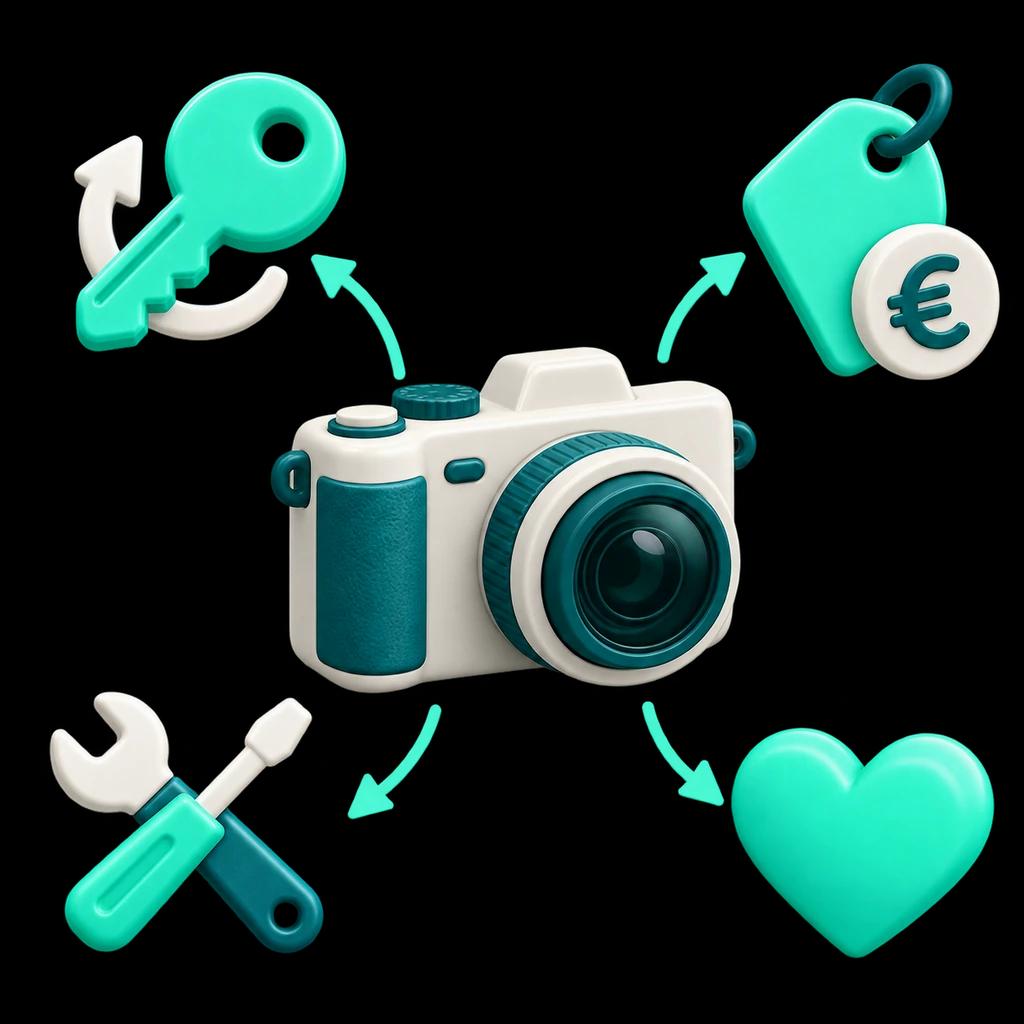
Add a laptop, camera, piece of furniture or tool your organisation no longer uses. A few details help someone see what it could do next.
New item
02 · Choose a next step
Choose what fits the item’s condition and your organisation’s needs.
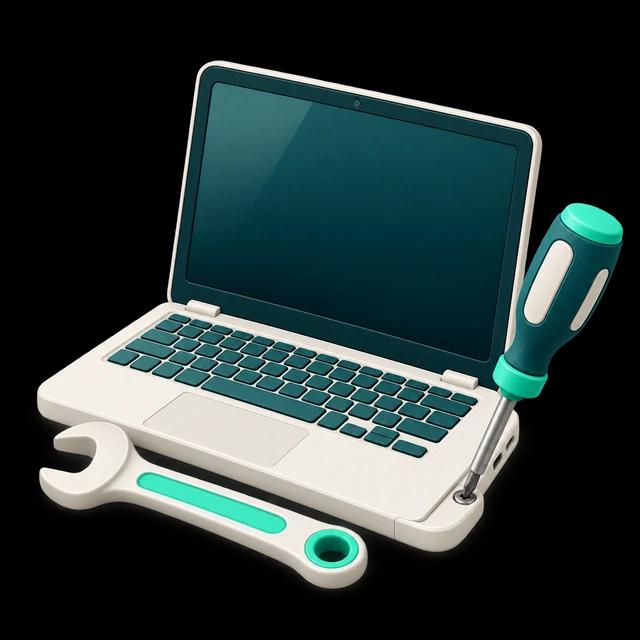
Repair
Find repairers for this type of item, check their location, and request a service.
Items shown for illustration.
03Connect
LoopLux AI suggests what is best for your item’s condition. Then connect with someone who wants to rent or buy it, a group that accepts donations, or a nearby repair or recycling service.
Can’t find a rental or second-hand item on the LoopLux marketplace? Post a request. An owner can list it and connect with you.
How the Demand Board works
LoopLuxWhat people are looking for
How the request gets answered
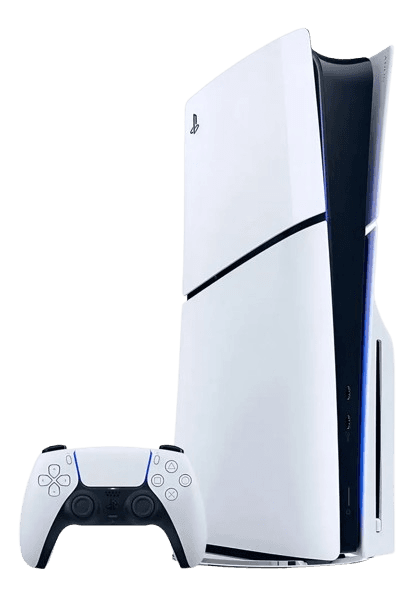
PS5: Post a request.
Request from Social committee
Scan the QR code to open the asset’s passport. Find its recorded details and history in one place.
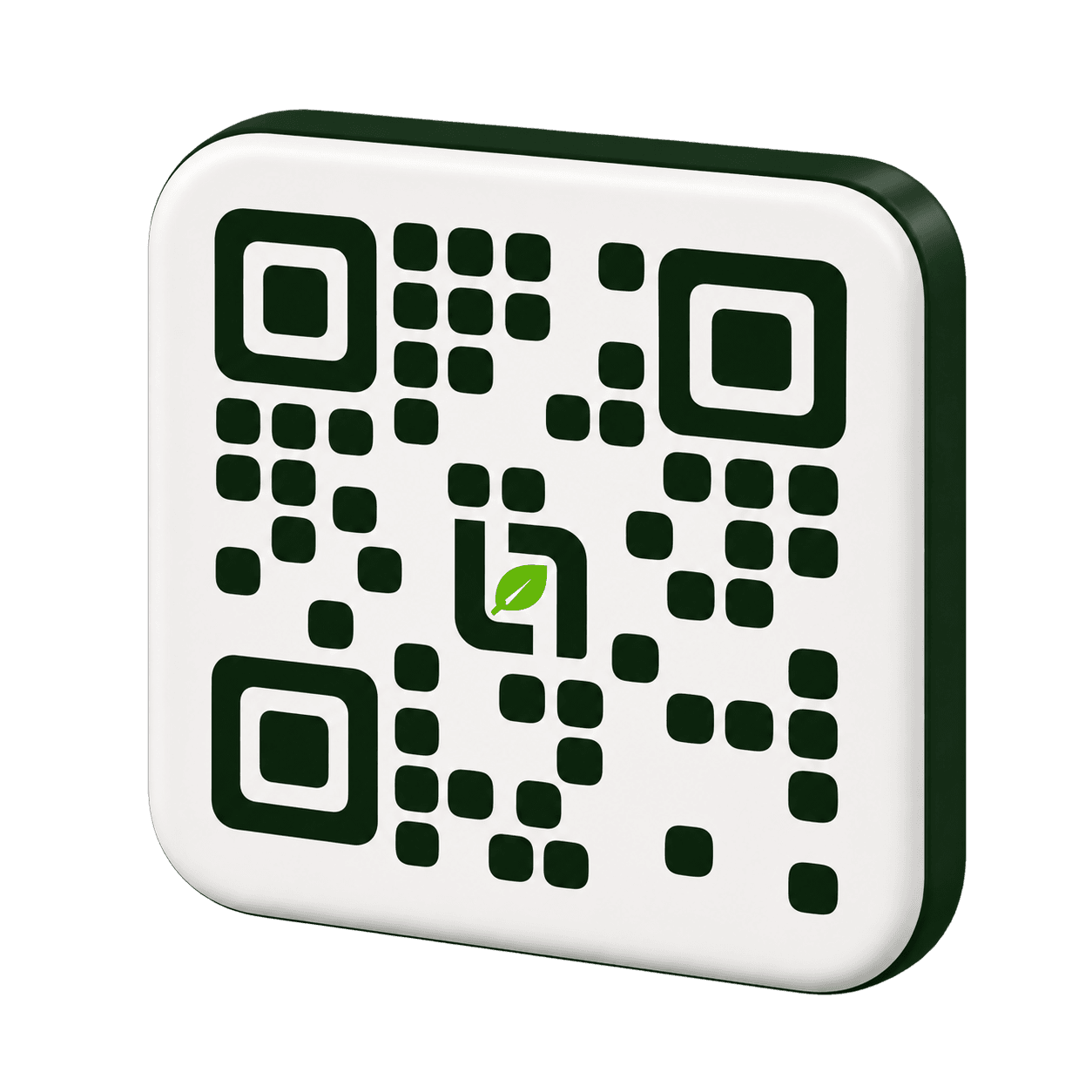
Passport tag
MacBook Pro 14"
Condition
Purchased
Rented ×7
Returned
Repaired
Rented ×3
Resold
Its recorded details, condition and activities stay together. Scan the QR code to open its history on LoopLux.
When reuse replaces a new purchase, it can avoid emissions from making another item. LoopLux estimates that benefit where enough item and activity data is available.
How we estimate itTell us what sits unused and what your people need. We’ll show you how LoopLux could help.